

Personal Budget Excel: Build Your Financial System in 2026
Hey folks, it's Ren here. I have a soft spot for a notebook and pen.
It is unfashionable, I know. No notifications, no syncing, no clever features. But it never runs out of battery, never raises its price, and does exactly what I tell it, nothing more, nothing less. For personal budgeting, Excel is the notebook and pen. Quietly reliable, completely yours.
A personal budget in Excel is not the flashiest option. It is just the one that keeps working, year after year, long after the budgeting app of the moment has changed its pricing or quietly shut down.
"You do not rise to the level of your goals. You fall to the level of your systems." — James Clear
🔍 Why Excel still works for a personal budget
Excel earns its place for a few unglamorous reasons: a one-off cost rather than a forever subscription, complete privacy because your data stays with you, it works offline, and it bends to your exact situation instead of forcing you into someone else's categories. There is also something useful in the friction, manually entering a transaction makes you notice it, in a way that silent auto-syncing never does.
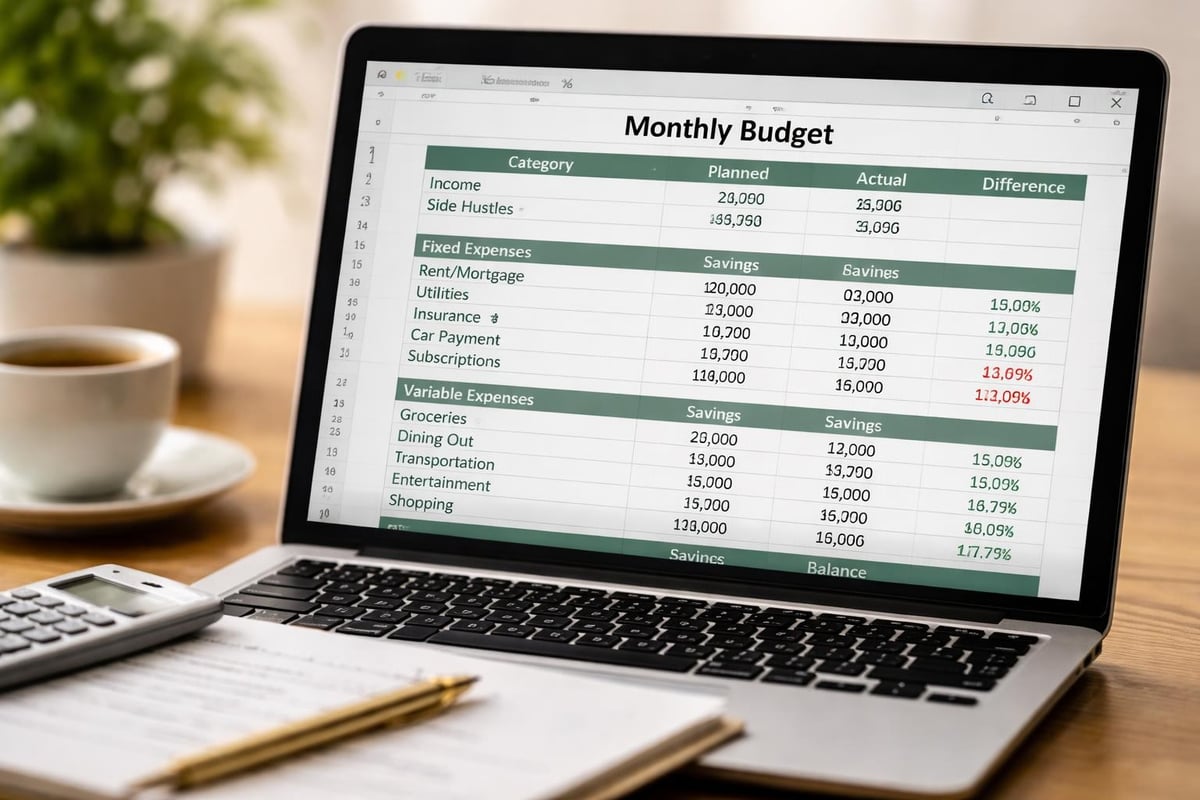
✅ Building your personal budget in Excel
- Set up your income. Every source, listed separately, so you see your true monthly cash flow.
- Split expenses into four types: fixed costs, variable necessities, discretionary spending, and irregular annual costs.
- Make savings a line, not a leftover. Treat it like a bill that has to be paid.
- Let formulas do the maths. SUMIF totals each category, IF statements flag overspending, conditional formatting turns a cell red when you hit a limit.
- Build a one-screen dashboard. You should be able to know your position in under a minute.
The irregular-costs type is the one most people skip, and it is the one that quietly breaks budgets. Registration, annual insurance, Christmas, divide each by twelve, reserve it monthly, and the surprises stop.
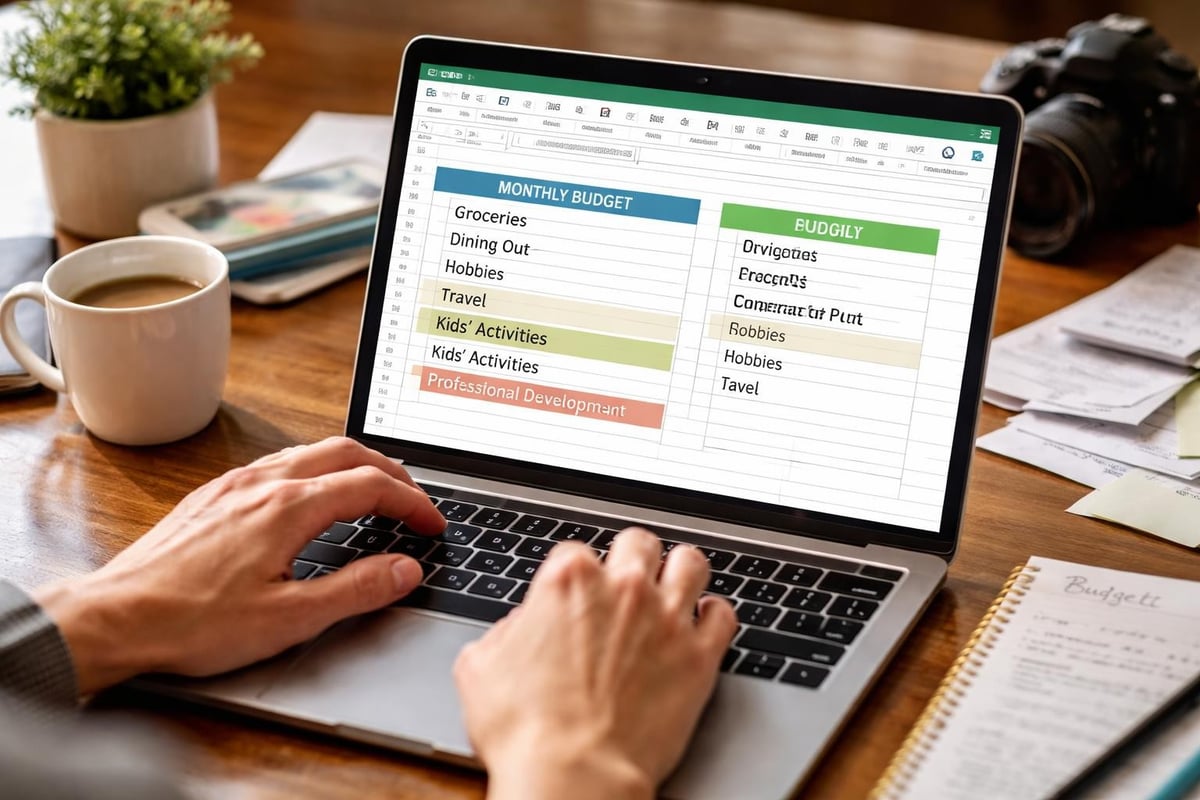
🚫 Personal budget Excel mistakes to sidestep
- Over-complicating it. Fix it: ten to twelve broad categories. Splitting groceries into produce, dairy and packaged goods is how budgets get abandoned.
- Unrealistic targets. Fix it: start with your real three-month actuals, then adjust gently.
- Never reconciling. Fix it: a weekly fifteen-minute check against your bank keeps the budget honest.
- Formulas you cannot fix. Fix it: keep them simple enough to troubleshoot yourself, or they will break and you will quit.
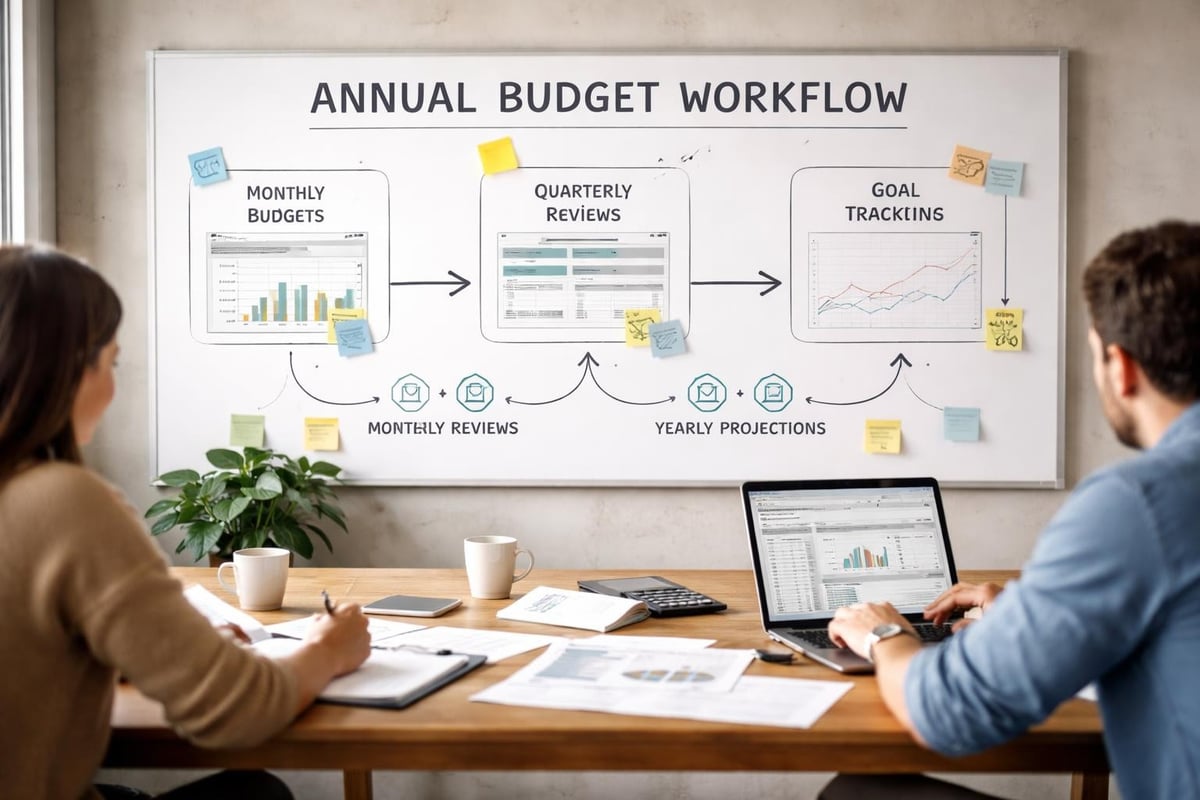

Want the Excel system already built?
You can build your own, and the steps above are the whole method. But if you would rather skip the formula-wrangling, the Ultimate Budget System is a 28-tab Excel and Google Sheets template with income, expenses, savings, debt and dashboards pre-built. Set it up once and it runs the year. Trusted by over 70,000 customers.
Get the Ultimate Budget System →🎯 Your action steps this week
- Open a workbook and set up income plus the four expense types.
- Keep it to ten to twelve broad categories.
- Add SUMIF totals and conditional formatting so the maths runs itself.
- Build a simple one-screen dashboard.
- Book a weekly fifteen-minute reconcile. For the wider platform comparison, see our best Excel personal budget template guide.
A personal budget in Excel will never be the trendy choice. It is just the one that keeps doing its job, quietly and reliably, like a good notebook and a pen that always writes.
❓ Frequently asked questions
Is Excel good for a personal budget?
Yes. It has no ongoing subscription, keeps your data private, works offline, and adapts to any situation. The manual entry also builds spending awareness that auto-syncing apps miss.
What formulas do I need for a personal budget in Excel?
SUMIF for category totals, IF statements to flag overspending, and basic percentages for your savings rate. Conditional formatting handles the visual side.
How many categories should I use?
Ten to twelve broad ones. Add detail only when your own analysis shows a real reason; too many categories is the main reason budgets get abandoned.
Excel or Google Sheets?
Both work. Excel is great offline and if you already use it; Google Sheets is free and syncs to your phone. The method and the habit are identical.
You have got this. One reliable workbook, one tracked month at a time.
To your financial freedom,
Ren
About Ren
Ren is the founder of JRen Digital, home to minimalist budgeting and debt spreadsheets trusted by over 70,000 customers worldwide. Ren writes practical, no-nonsense guides that help everyday people take the stress out of money. Explore the full range of templates at jrendigital.com.
Keep reading
This article is for general information only and is not financial advice. It does not take into account your personal situation, needs or objectives. Please consider speaking with a qualified financial adviser before making financial decisions.