

Budget Tracker Spreadsheet Template: Complete Guide 2026
Hey everyone, it's Ren here. Imagine driving with the dashboard taped over.
No speedo, no fuel gauge, no warning lights. You could do it, technically, but you would be guessing the whole way and bracing for a nasty surprise. And yet that is exactly how a lot of us run our money for years, no dashboard, just a vague hope that there is enough fuel.
A budget tracker spreadsheet template is your money dashboard. It does not drive the car for you. It just shows you the numbers that matter, clearly enough that you can actually steer.
"Do not save what is left after spending, but spend what is left after saving." — Warren Buffett
🔍 Why a spreadsheet beats a budgeting app
Budgeting apps come with monthly fees, privacy trade-offs, and a pile of features you will never touch. A spreadsheet template takes a different road, and there is no shame in preferring it:
- You own it forever. No company can change the price or pull the plug on your data.
- It is cheap. A premium template costs less than three months of a typical app subscription, and then never costs another cent.
- The learning curve is gentle. You type your numbers into the cells, and the template does the maths.
- Your financial data stays on your device, not on a startup's server.

✅ What a good budget tracker actually includes
Not every template earns its place. The ones that work have a few things in common: an income section that handles multiple sources and pay frequencies, expense categories split into fixed, variable and periodic, and automated calculations that total everything, show your remaining balance, and surface your month-on-month trends without you lifting a finger.
That "periodic" group is the one most people miss, annual insurance, quarterly bills, holiday shopping, car maintenance. They arrive less often but they always arrive. Reserve a little each month and they stop being budget shocks.
Setting it up
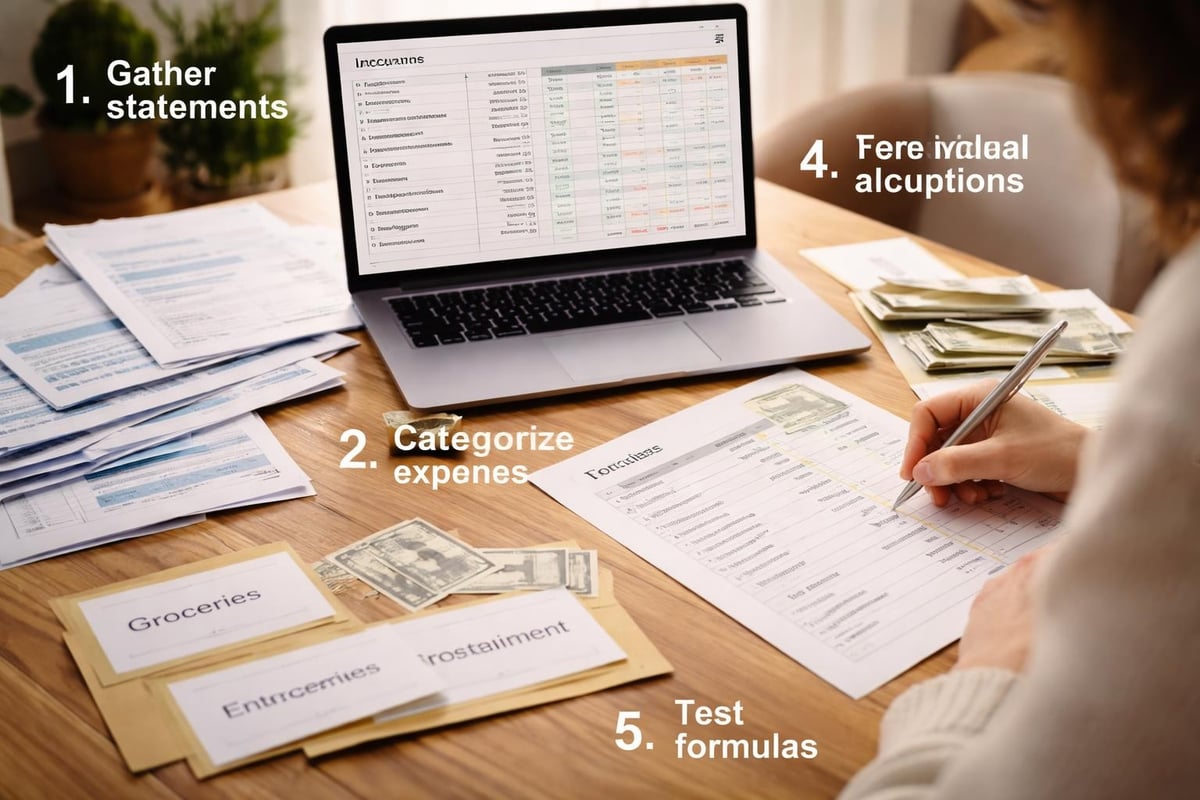
Before you open the template, pull three months of bank statements so you are working from real numbers, not hopeful ones. Then customise the categories to your actual life, if you spend $200 a month on pets, give pets a row rather than burying it in "miscellaneous." Set your starting amounts to what you genuinely spend, and book a recurring fifteen-minute weekly session to enter transactions. The weekly rhythm is what stops the dreaded month-long backlog.
📈 The features that lift it from basic to brilliant
A basic tracker handles income and expenses. A great one adds three things: debt payoff tracking so you can watch balances fall, savings goal tracking with visible progress (seeing the progress genuinely increases follow-through), and net worth monitoring, a simple monthly tally of assets minus liabilities. Net worth is the number that tells you whether you are actually building wealth or just shuffling money between accounts.
🚫 Budget tracker mistakes to sidestep
- Over-complicating it. Fix it: start with ten to fifteen categories that catch most of your spending. Add complexity only when you genuinely need it.
- Ignoring irregular expenses. Fix it: build a sinking-funds section, annual costs divided by twelve, set aside monthly.
- Treating it as a static document. Fix it: review and adjust monthly. What worked in January may be wrong by June.
- Forgetting to budget for fun. Fix it: give entertainment and treats a real allocation. A budget with zero joy in it does not survive.
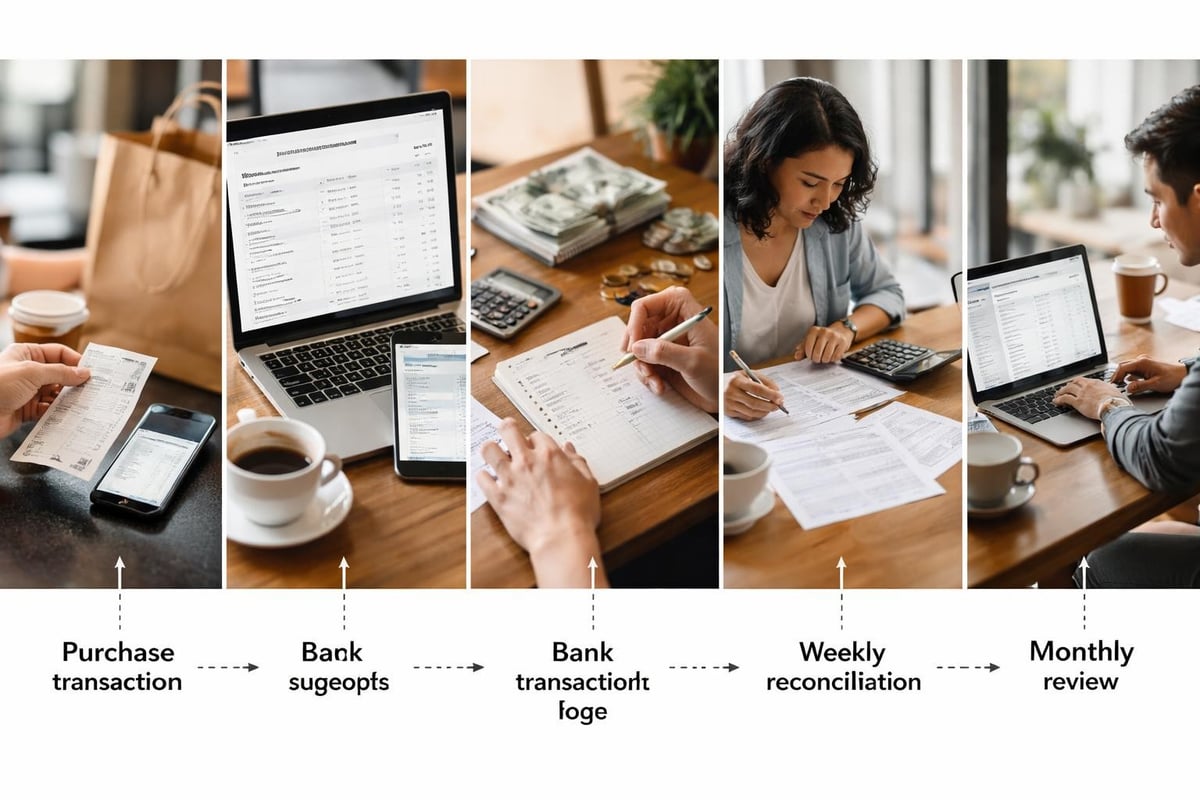
One more quiet truth: people who track their spending tend to spend noticeably less than people who do not, at every income level. Not because tracking is magic, but because the act of recording a purchase makes you actually see it. The dashboard works simply by being visible.

Want the dashboard already built?
You can build your own, and the steps above are the whole method. But if you would rather skip the setup, the Ultimate Budget System is a 28-tab template with the income tracking, category automation, debt tools, savings goals and net worth dashboard all pre-built. Set it up once and it runs the year. Trusted by over 70,000 customers.
Get the Ultimate Budget System →🎯 Your action steps this week
- Pull three months of statements and note your real category spending.
- Set up ten to fifteen categories, split into fixed, variable and periodic.
- Add a sinking-funds section for predictable annual costs.
- Add debt, savings goals and a simple net worth tally.
- Book a recurring fifteen-minute weekly update. To decide every dollar's job in advance, pair this with our zero-based budget template guide.
A budget tracker turns financial chaos into a dashboard you can actually read. Updated consistently and shaped to your life, it stops being a chore and starts being the thing that keeps you on the road.
❓ Frequently asked questions
What is a budget tracker spreadsheet template?
It is a pre-built spreadsheet that records your income and expenses, totals everything automatically, and shows your balance, trends and progress, so you can see your whole financial position at a glance.
Is a spreadsheet really better than a budgeting app?
For many people, yes. It has no ongoing subscription, you own your data, it works offline, and it bends to your life rather than forcing you into a fixed structure.
How many categories should a budget tracker have?
Ten to fifteen broad categories capture most spending. Add subcategories only when your own analysis shows a real need; too many is the main reason trackers get abandoned.
How often should I update it?
A fifteen-minute weekly session works best. It keeps the data current and stops the overwhelming backlog that builds when you leave it for weeks.
You have got this. One clear dashboard, one tracked week at a time.
To your financial freedom,
Ren
About Ren
Ren is the founder of JRen Digital, home to minimalist budgeting and debt spreadsheets trusted by over 70,000 customers worldwide. Ren writes practical, no-nonsense guides that help everyday people take the stress out of money. Explore the full range of templates at jrendigital.com.
Keep reading
This article is for general information only and is not financial advice. It does not take into account your personal situation, needs or objectives. Please consider speaking with a qualified financial adviser before making financial decisions.